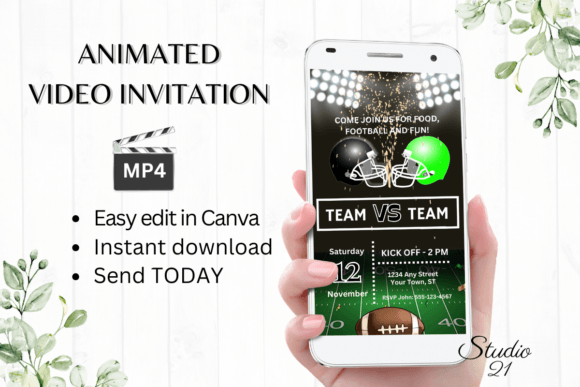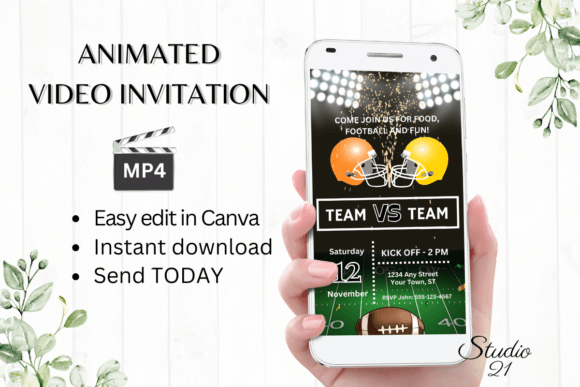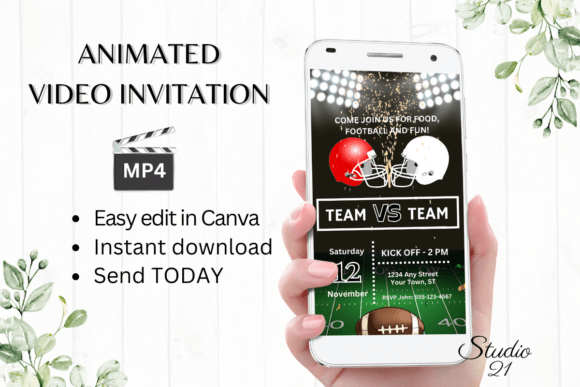
Football Game Tailgate Party Invite: A Seamless Way to Plan and Share Your Event
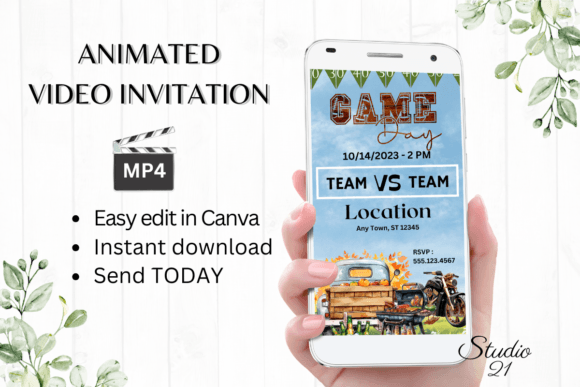
Planning a football game tailgate party involves more than just food, drinks, and team spirit—it also requires effective communication with your guests. The Football Game Tailgate Party Invite is a digital animated video invitation template designed to simplify the process of creating and sharing event details. This tool fits into a broader planning workflow by streamlining the communication phase, ensuring your guests are informed and excited before the event begins.
How the Football Game Tailgate Party Invite Fits Into Event Planning
Whether you're organizing a small gathering or a large tailgate event, communication is key. Traditional methods like paper invites or text messages can be limiting in terms of visual appeal and detail. The Football Game Tailgate Party Invite offers a modern solution by combining visual design with animated storytelling, making it easier to convey time, location, theme, and other important details.
This digital invitation template becomes especially useful during the pre-event planning phase. It allows you to lock in your event message early and share it across multiple platforms, ensuring consistency and clarity. Whether you're coordinating with a group of friends or promoting a semi-public tailgate, this tool helps you maintain a professional and engaging tone.
Editing and Customization: No Design Experience Needed
One of the main advantages of the Football Game Tailgate Party Invite is its accessibility. The template is hosted in Canva, a user-friendly design platform that requires no prior design experience. Once you receive the template link via PDF, you can start customizing immediately—no software downloads or font installations required.
- Personalize text to include event details like date, time, and location
- Add or delete text elements to match your event's tone and structure
- Change font styles, colors, and sizes to align with team colors or branding
- Adjust text effects and animation styles to enhance visual appeal
These editing options allow for a high degree of customization while maintaining a streamlined workflow. You can work from your desktop or mobile device, making quick adjustments on the go. This flexibility supports a more agile planning process, where changes can be made in real time without delays or miscommunication.
Sharing Your Digital Evite Across Platforms
Once you've customized the Football Game Tailgate Party Invite, you can download it as an MP4 file and share it instantly via text, Messenger, iMessage, WhatsApp, or email. This ease of sharing ensures that your message reaches your audience through their preferred communication channels.
You can also generate a shareable link to the invitation, which is especially useful for email campaigns or social media posts. This feature supports a broader outreach strategy, allowing you to maintain a consistent message while distributing it across multiple touchpoints. Detailed instructions included in the package guide you through each step of the process, ensuring a smooth user experience.
Integration with Other Tools and Workflows
The Football Game Tailgate Party Invite doesn't just stand alone—it integrates well with other tools and platforms commonly used in personal and professional planning. For example, if you're managing your event with Google Calendar or Trello, you can embed the video invite in event descriptions or project boards to add a visual layer to your planning process.
Additionally, if you're using email marketing tools like Mailchimp or Constant Contact to promote a larger tailgate event or fundraiser, the MP4 file can be embedded directly into your email templates or landing pages. This compatibility ensures that your event communication remains cohesive and visually engaging across platforms.
Practical Tips for Using the Football Game Tailgate Party Invite
To get the most out of the Football Game Tailgate Party Invite, consider the following implementation strategies:
- Start with a clear event plan: Before editing the template, outline the key details—date, time, location, dress code, RSVP method, and any special instructions.
- Align visuals with your brand or team: Use team colors, logos, or mascots to create a themed invitation that resonates with your audience.
- Test on multiple devices: Since the invitation is digital, preview it on both desktop and mobile devices to ensure readability and visual consistency.
- Include a clear call to action: Whether it's a link to RSVP, a map to the location, or a note about what to bring, make sure your guests know the next step.
- Save and reuse: Once you've created a version that works, save it as a reusable template for future events. This helps maintain consistency and saves time in the long run.
Ensuring Quality and Long-Term Usability
One of the challenges of digital invitations is ensuring they remain visually appealing and functional across different platforms and devices. The Football Game Tailgate Party Invite is designed with quality control in mind. The Canva template is built at 1080 x 1920 px resolution, which ensures high-definition playback on most screens.
Additionally, since the template is stored in Canva, you can return to it at any time to make updates or create variations for future events. This long-term usability makes it a valuable asset for anyone who hosts recurring events, whether for personal or professional purposes.
Conclusion: A Practical Tool for Modern Event Planning
Incorporating the Football Game Tailgate Party Invite into your planning workflow offers a practical way to enhance communication, maintain visual consistency, and streamline the invitation process. Whether you're planning a small get-together or a larger event, this tool supports a more efficient and engaging way to share your message. By integrating digital design with real-time editing and multi-channel sharing, it aligns with modern expectations for event planning and execution.