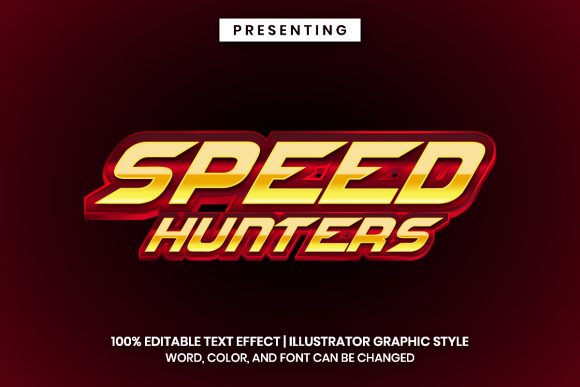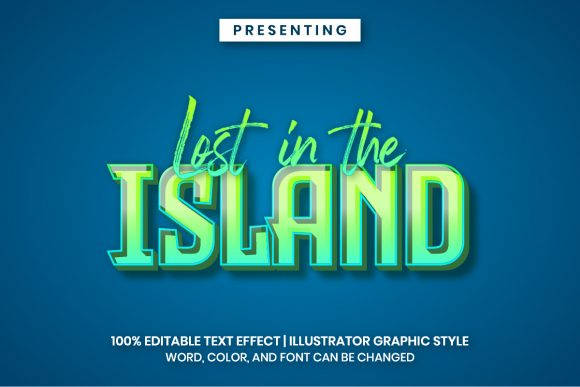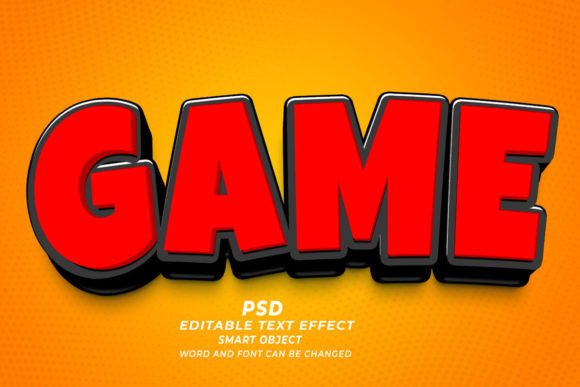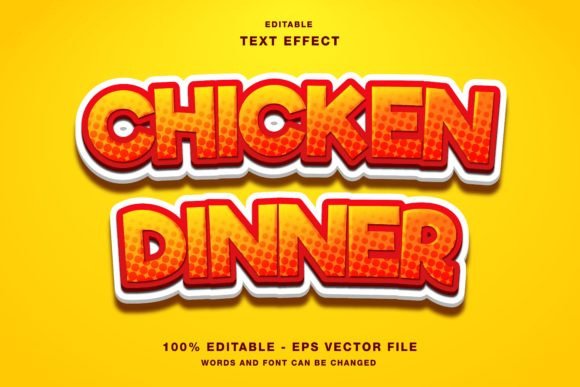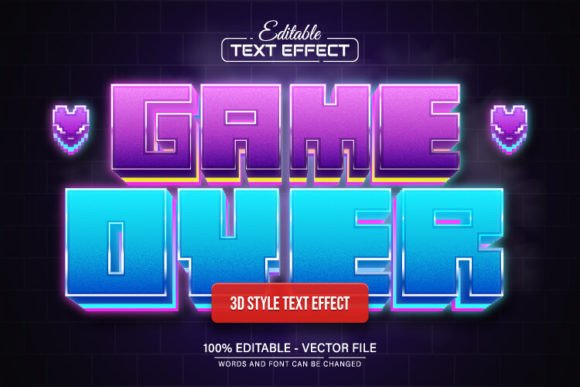
Game Over Pixel 3D Text Effect Editable
Bring Dynamic Typography to Your Creative Projects
The Game Over Pixel 3D Text Effect Editable is more than just a design asset — it's a flexible, scalable solution for creators who want to add bold, retro-inspired visuals to their work. Whether you're designing for print, digital media, or merchandise, this editable vector format gives you full control over text, color, and size without compromising quality. Built for Adobe Illustrator, it’s perfect for both beginners and experienced designers looking to streamline their workflow while maintaining a high level of customization.
Why This Text Effect Stands Out
Unlike static image-based text effects, the Game Over Pixel 3D Text Effect Editable is fully vector-based, meaning you can scale it up or down without losing clarity. This makes it ideal for a wide range of applications, from social media banners to large-format posters. The design supports unlimited color variations, so you can match it to your brand palette or project theme with ease. And because the text is fully editable, you can change the message at any time — no design expertise required.
Creative Possibilities
This text effect opens the door to a variety of creative uses. Here are a few ideas to spark your imagination:
- Retro Game Design: Use it for game titles, character names, or in-game UI elements to give your project that nostalgic 8-bit look.
- Merchandise Branding: Apply it to t-shirts, mugs, or phone cases for a bold, pixelated aesthetic that appeals to gamers and pop culture enthusiasts.
- Social Media Graphics: Create eye-catching posts or stories with a consistent, stylized text treatment that aligns with your content theme.
- Presentation Titles: Make your slides more engaging with a dynamic, pixel-style header that breaks the monotony of standard fonts.
How Different Users Can Benefit
Whether you're a small business owner, a freelance designer, or a content creator, this editable text effect can be adapted to suit your needs. Here's how various audiences can make the most of it:
- Designers: Save time by using a pre-styled template that you can customize quickly for client work or personal projects.
- Marketers: Use the effect to create consistent branding across promotional materials with a unique, attention-grabbing look.
- Bloggers: Enhance your blog headers or featured images with a pixel-style title that stands out in a crowded feed.
- Entrepreneurs: Customize the design for product packaging, promotional banners, or branded merchandise without needing a designer on staff.
Getting the Most from Your Design
While the Game Over Pixel 3D Text Effect Editable is user-friendly, there are a few best practices to follow to ensure your final output looks polished and professional:
- Stick to Clear Typography: Even with a stylized effect, readability should always come first. Avoid overly long phrases or complex letterforms that might become hard to read.
- Use Consistent Colors: Choose a limited color palette that complements your overall design. Too many colors can make the effect feel chaotic.
- Test at Different Sizes: Preview your design at both large and small sizes to make sure it works across different platforms and formats.
- Align with Your Brand: If you're using this in marketing or branding, make sure the style fits your overall visual identity to maintain consistency.
How to Customize the Effect in Adobe Illustrator
Editing the Game Over Pixel 3D Text Effect Editable is straightforward, even if you're new to Adobe Illustrator. Here's a quick guide to help you get started:
- Open the file in Adobe Illustrator CS or a newer version.
- Select the text layer by pressing the “T” key on your keyboard and clicking on the text.
- Edit the text to reflect your desired message.
- Change the color using the color picker or swatches panel to match your design needs.
- Resize the text as needed — the vector format ensures the quality remains sharp at any scale.
You don’t need advanced design skills to use this effect. It’s designed to be intuitive, allowing you to focus more on creativity and less on technical hurdles.
Applications Across Platforms
One of the biggest advantages of the Game Over Pixel 3D Text Effect Editable is its adaptability. Here are a few platforms and formats where this effect can make a strong visual impact:
- Print: Flyers, posters, stickers, and business cards benefit from the bold, high-contrast nature of the design.
- Web: Use it for website headers, hero images, or call-to-action buttons to create visual interest and brand recognition.
- Video: Incorporate the design into motion graphics or animated titles for a retro video game vibe.
- Mobile: App icons, splash screens, or UI elements can all be enhanced with this editable text effect.
Final Thoughts: A Versatile Tool for Any Creative
The Game Over Pixel 3D Text Effect Editable isn’t just another design template — it's a versatile tool that empowers creators to express their ideas with clarity and style. Whether you're building a retro-themed brand, designing for a gaming audience, or simply looking for a fresh visual approach, this effect gives you the flexibility to experiment without sacrificing quality. With support for unlimited color variations and full text editing, it's a smart addition to any designer's toolkit.